
-
fourthing deltarune
-
I MISS SPAMSEAM... im sure their love square polycule misses them too...
-
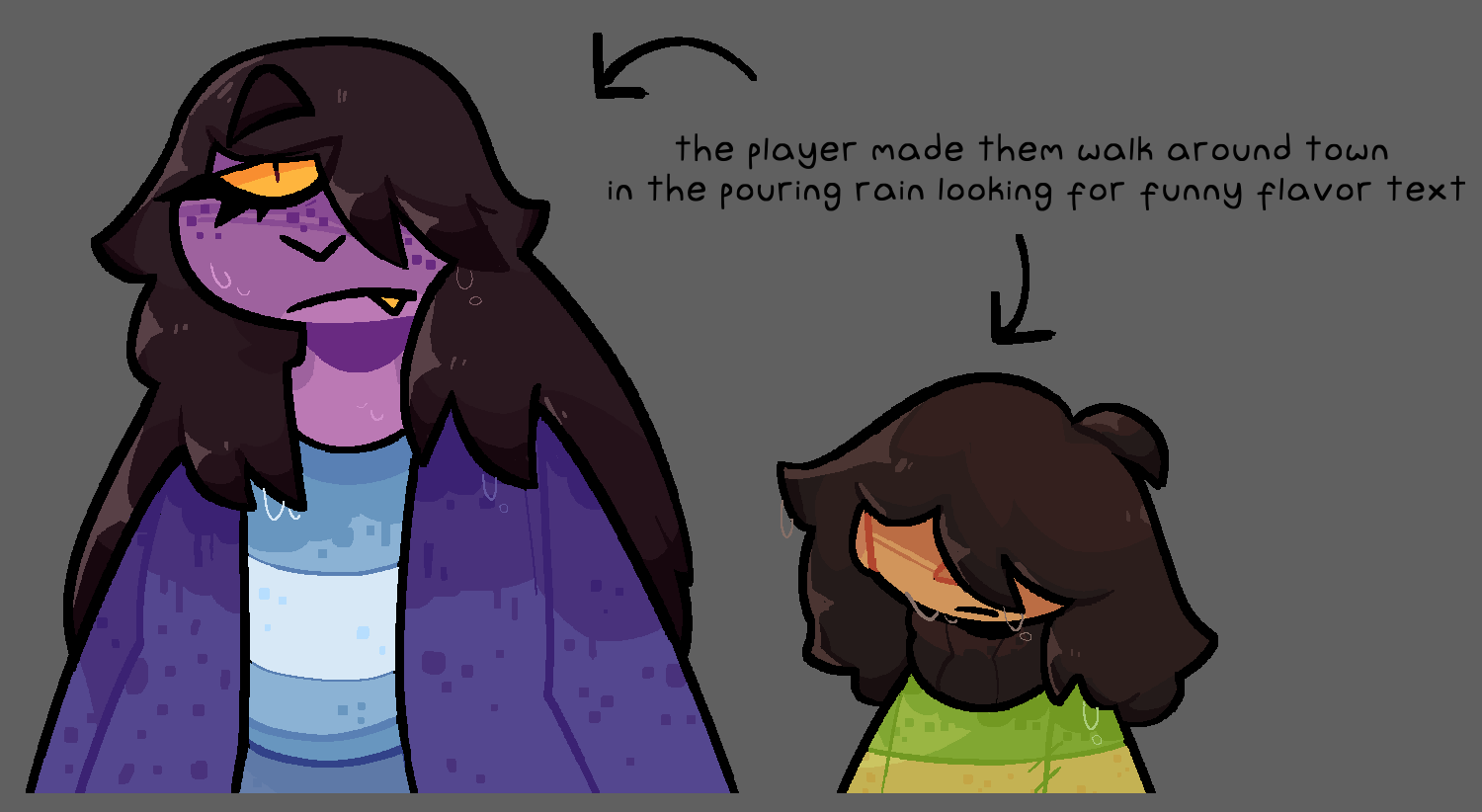
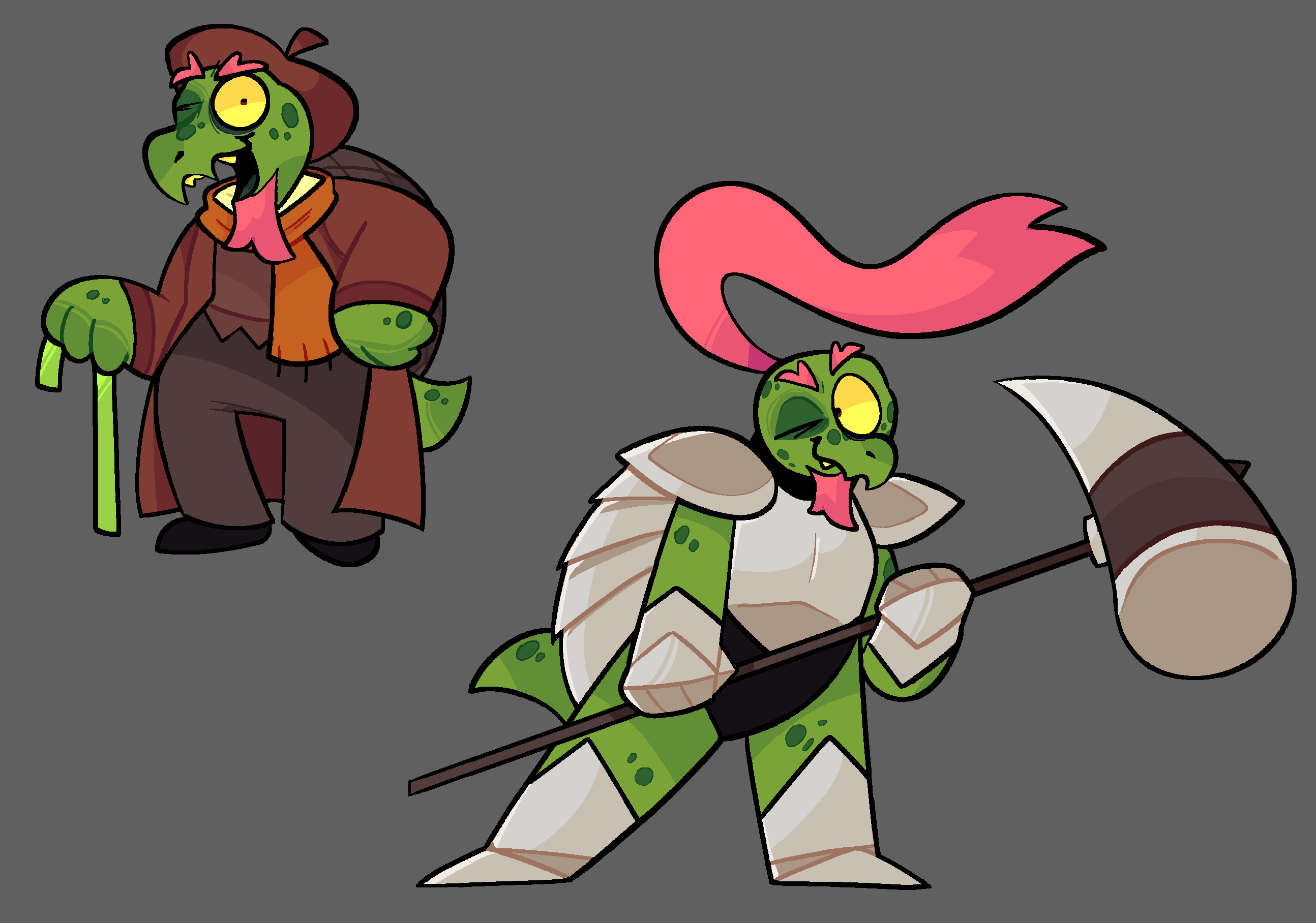
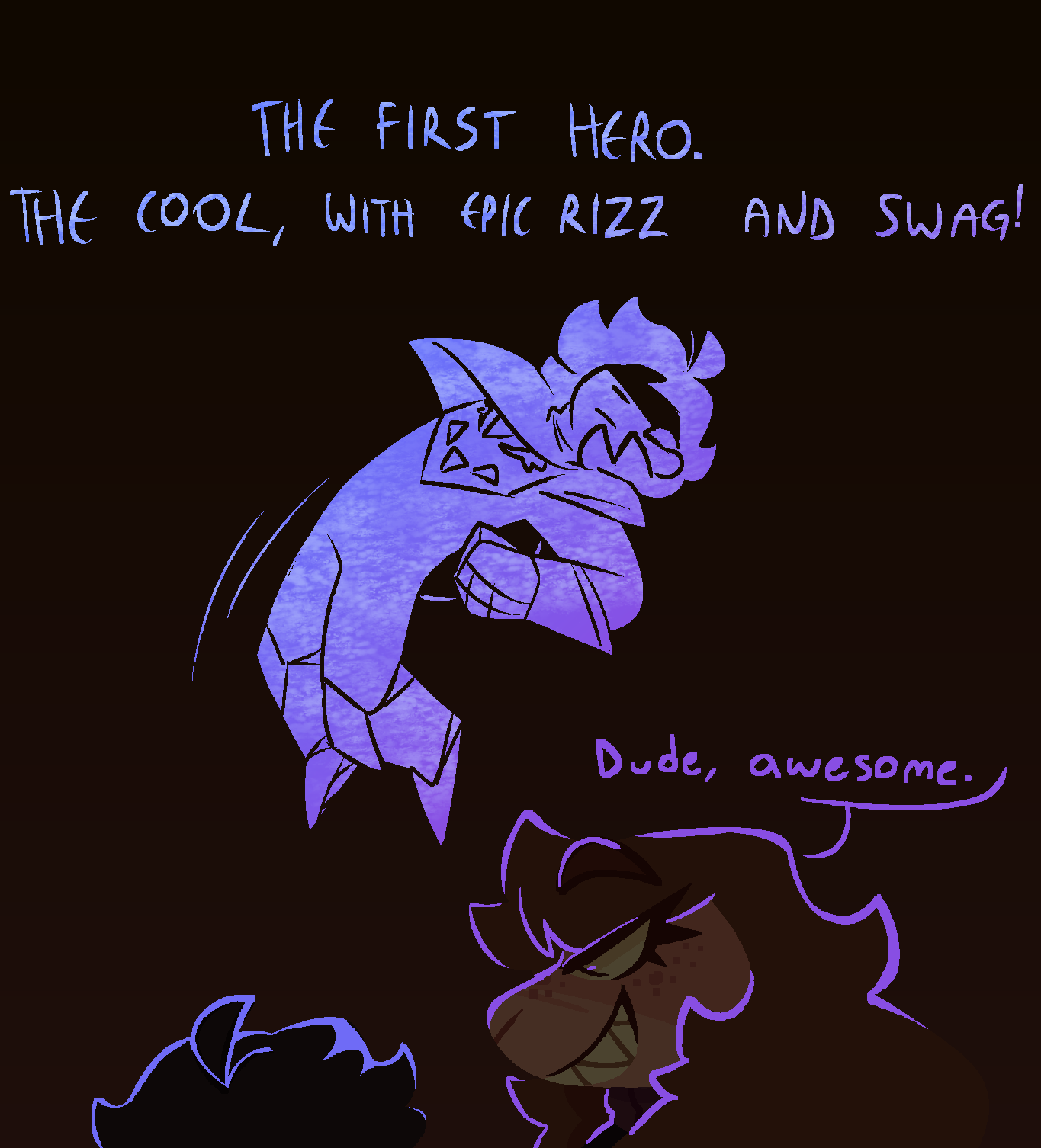
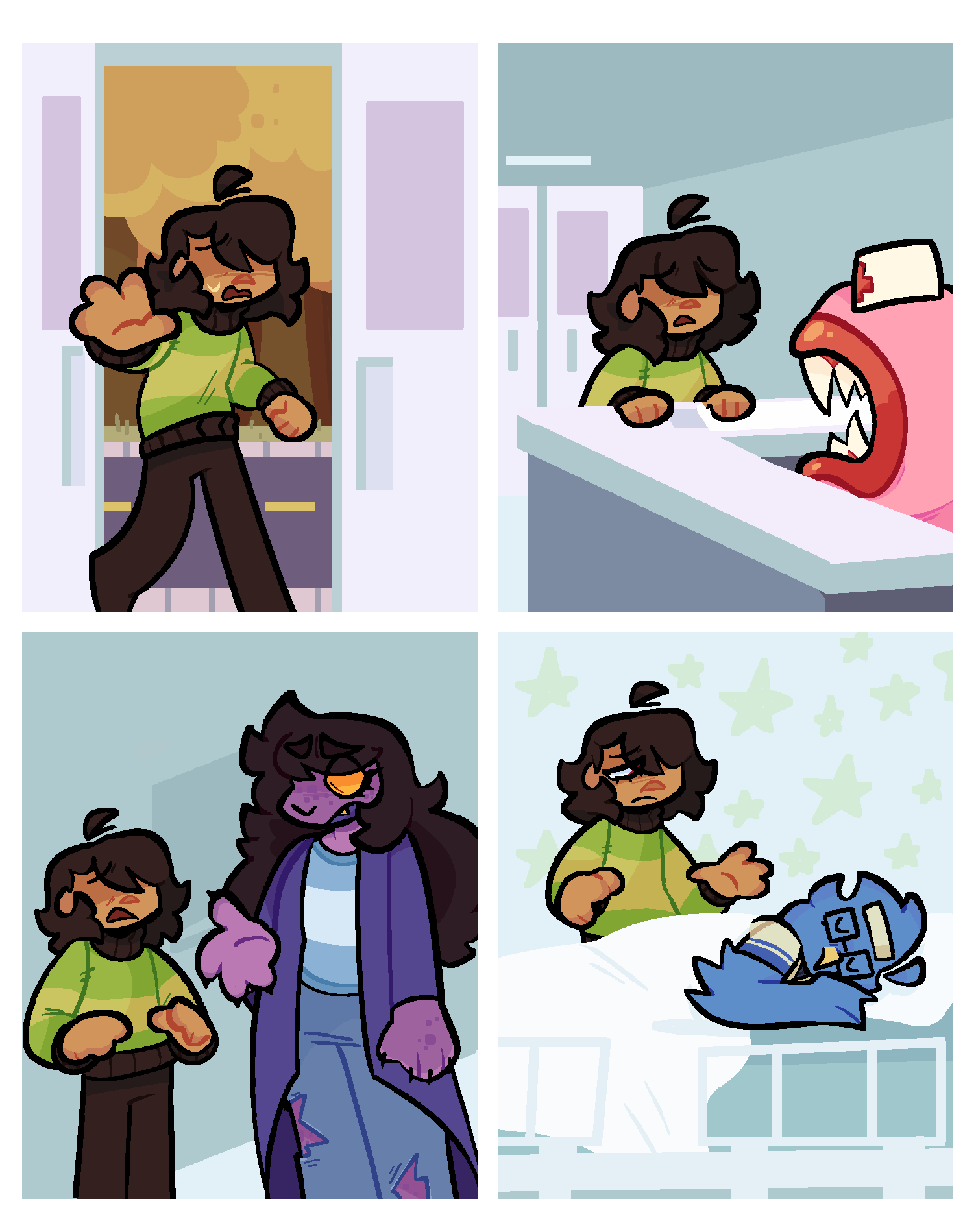
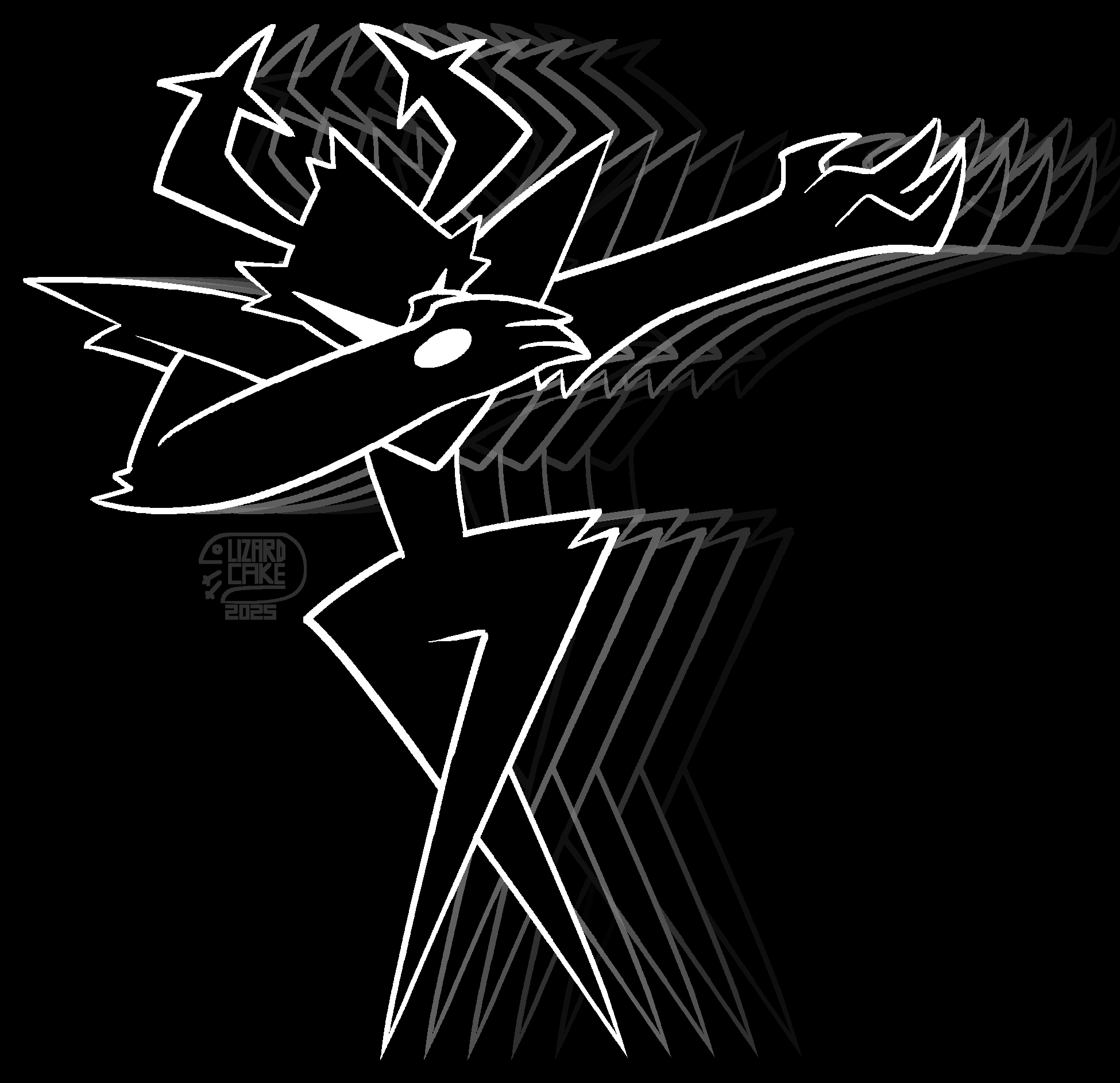
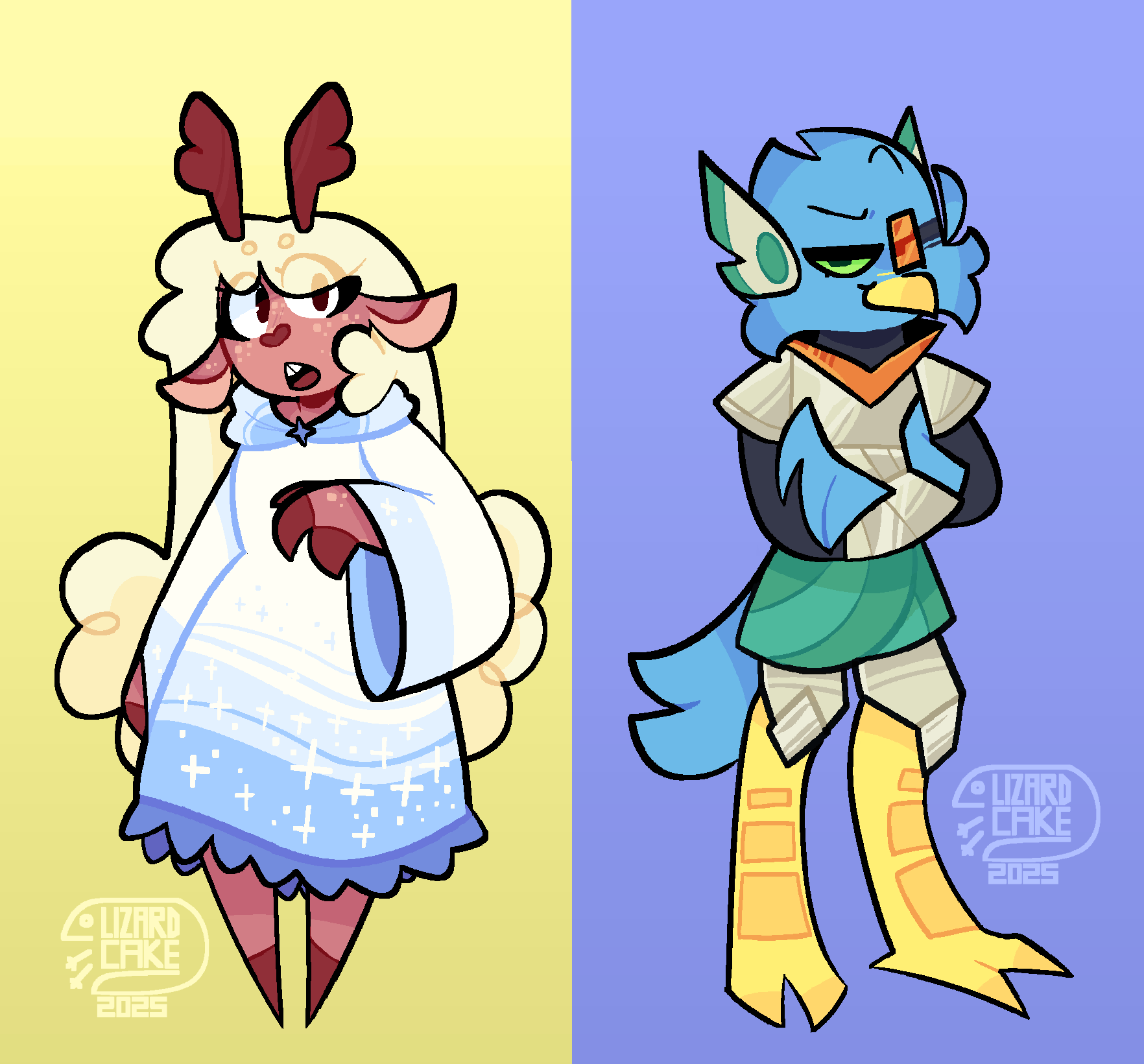
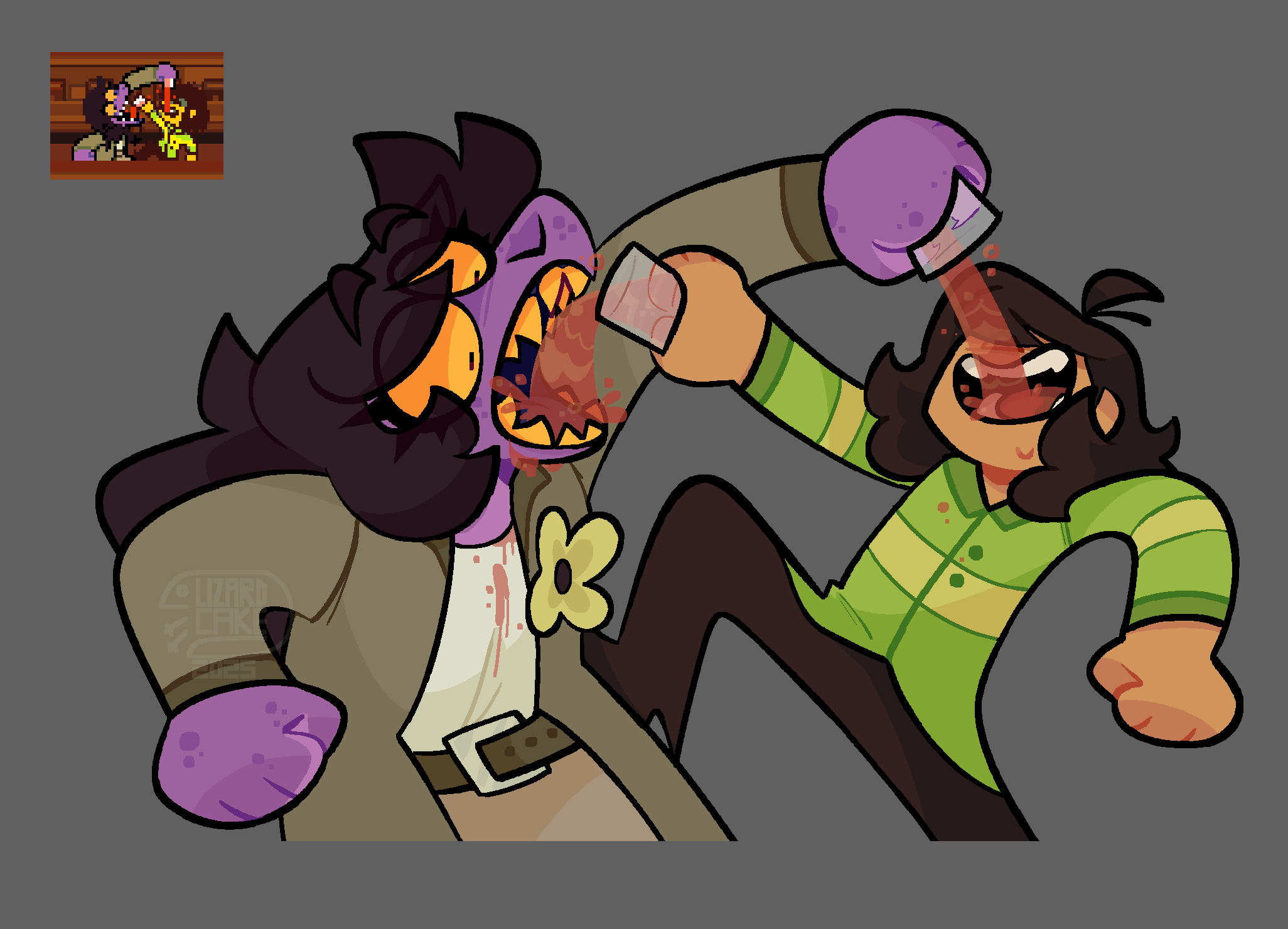
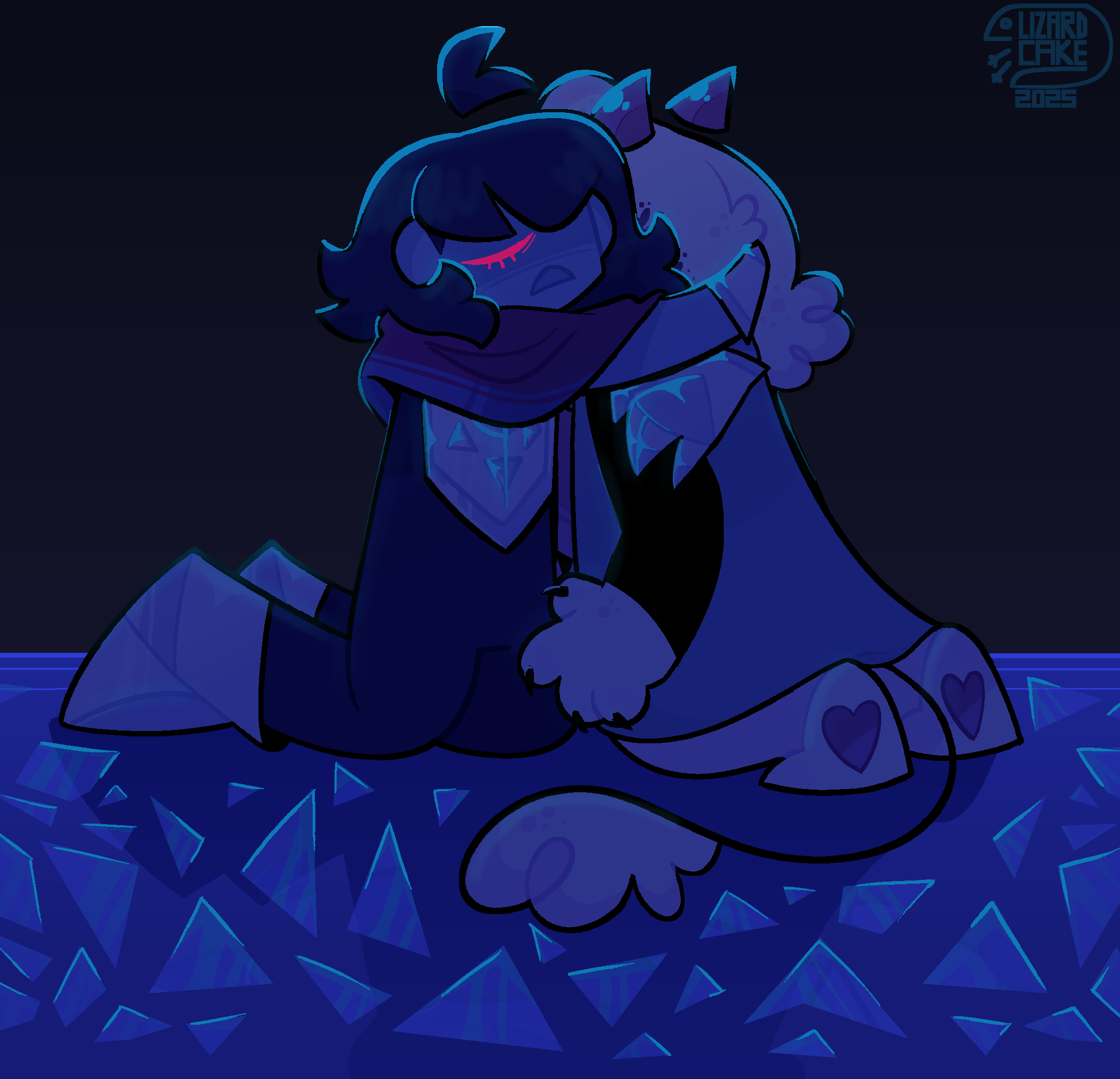
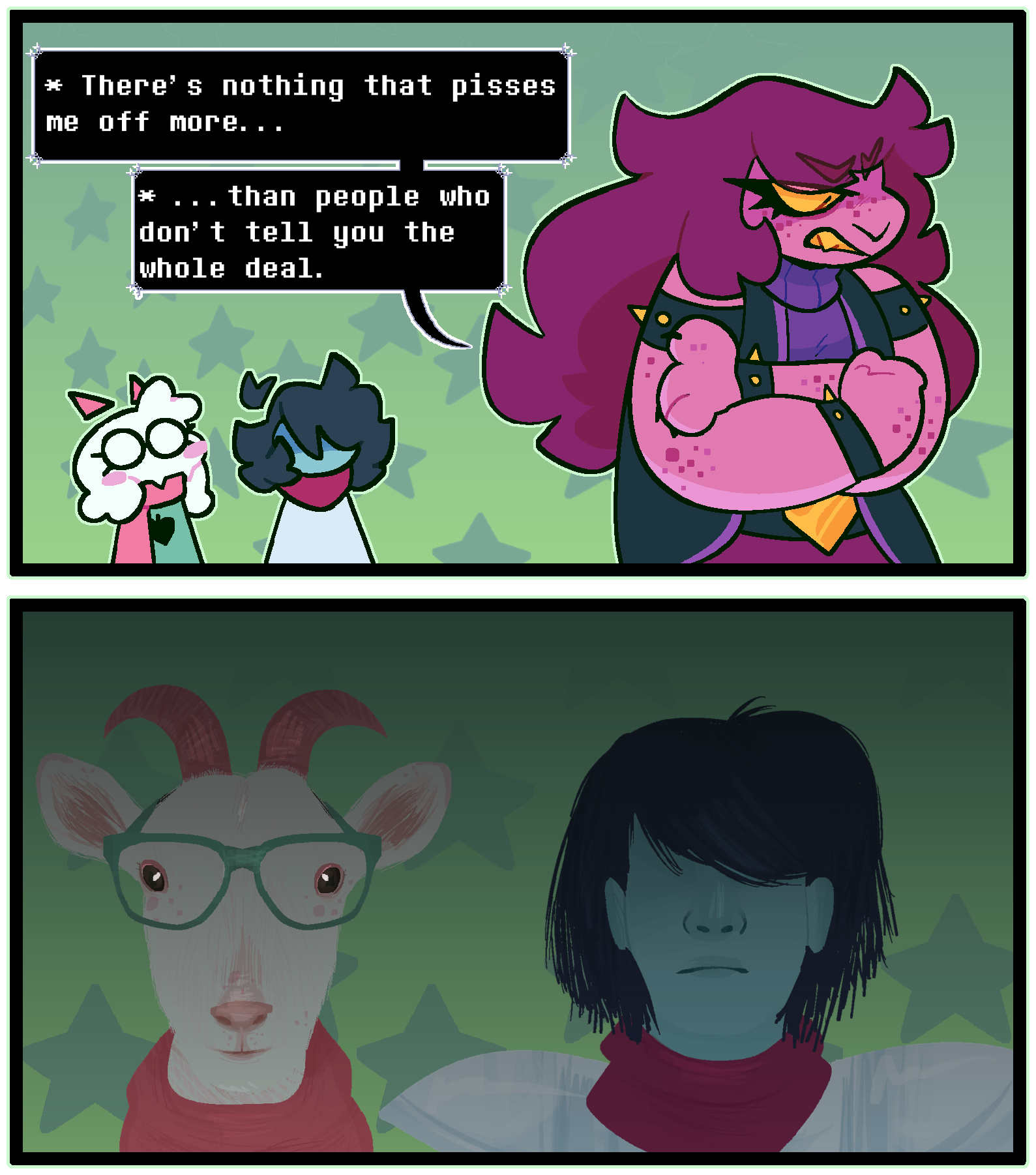
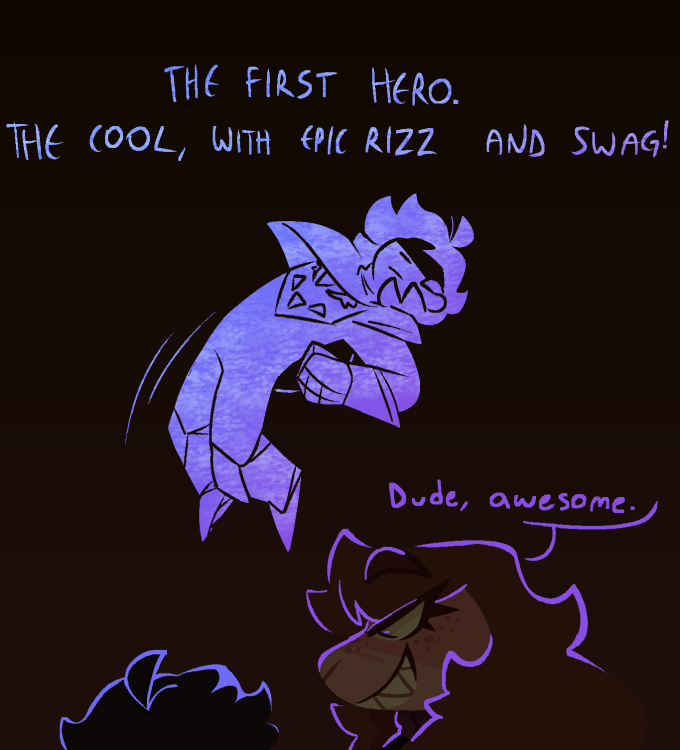
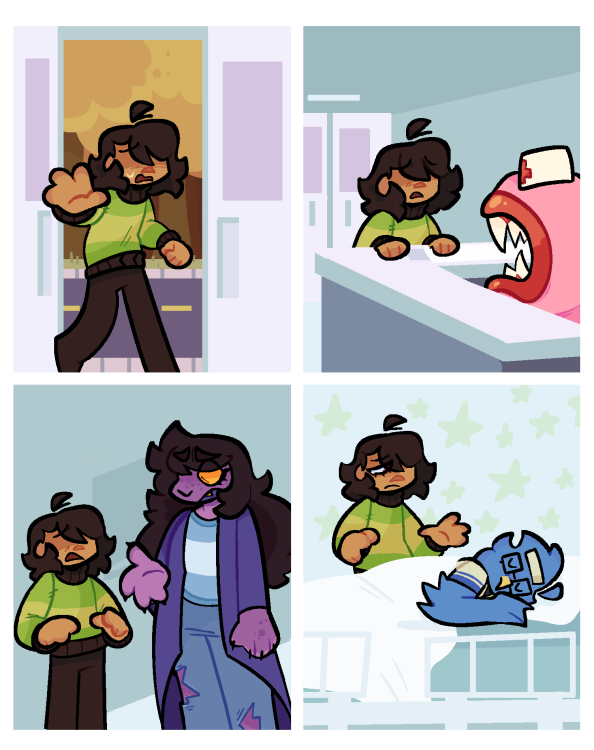
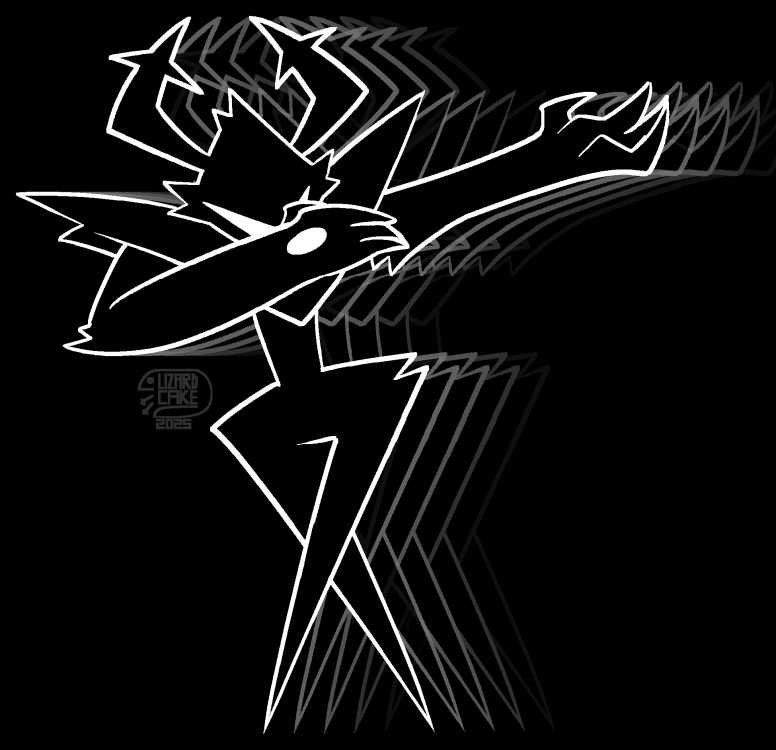
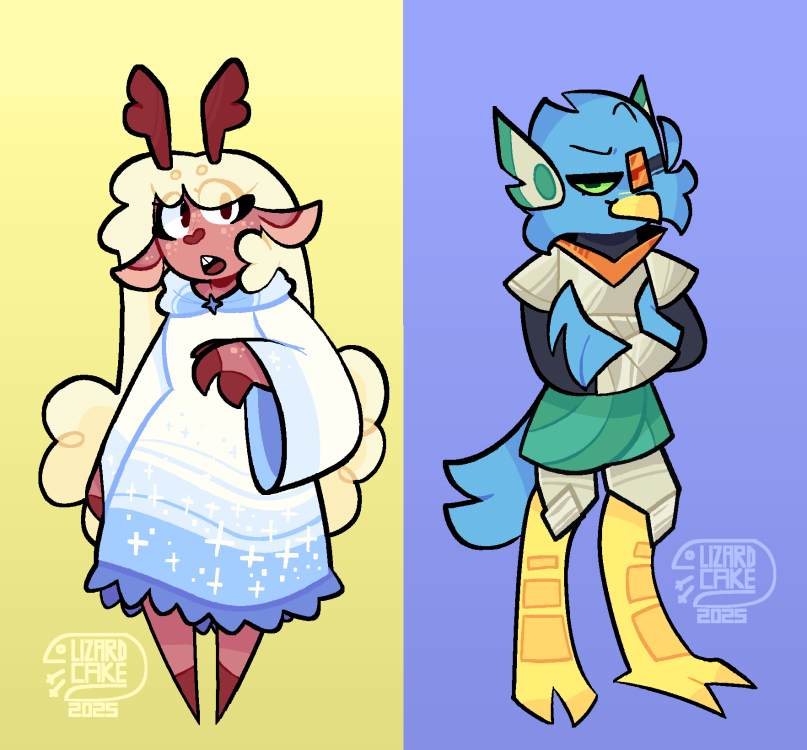
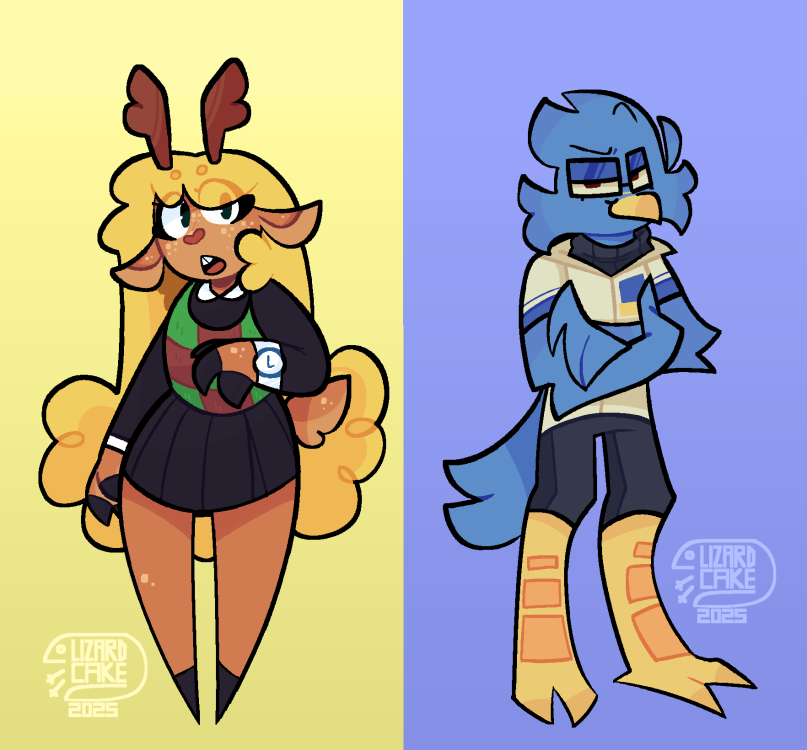
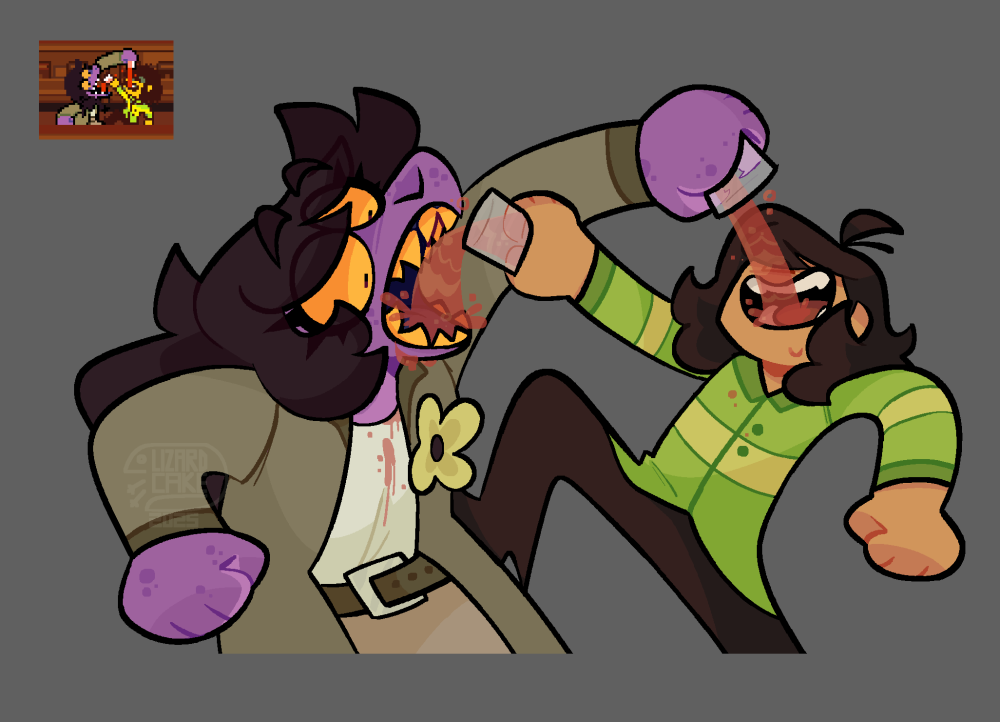
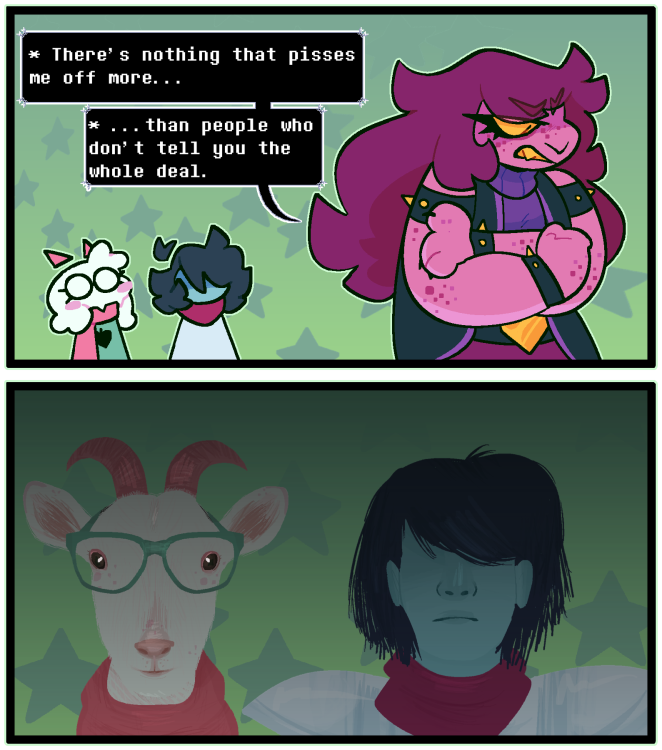
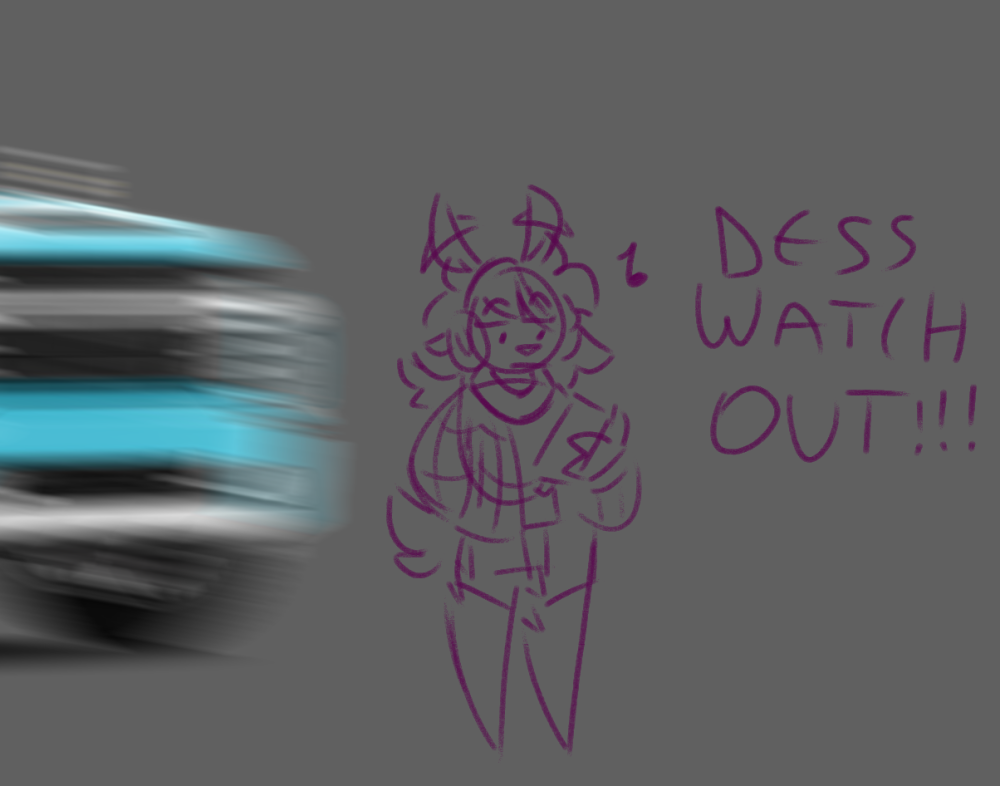
so. like. deltarune. am i right guys (read: SFAGSDGSDGFDGGDFGFG on the floor in shambles) i'm making a new ref for the fun gang as i speak but i still like these drawings yknow... woah its tennar the tv why is the text like that they are so silly i love them technically a spoiler but it's so incredibly vague that i feel like it doesn't need to go in the quote mizzle and cuptain <333333 uh. This





-
gooooooood morning stray fawn forums
-
lizardcake changed their profile photo
-
hello baby birb
-
yay :3 !!!!!!

-
i'm already drawing a fullbody sooo
-
(already sketched your character lmao)
-
yes
-
hi >:3
-
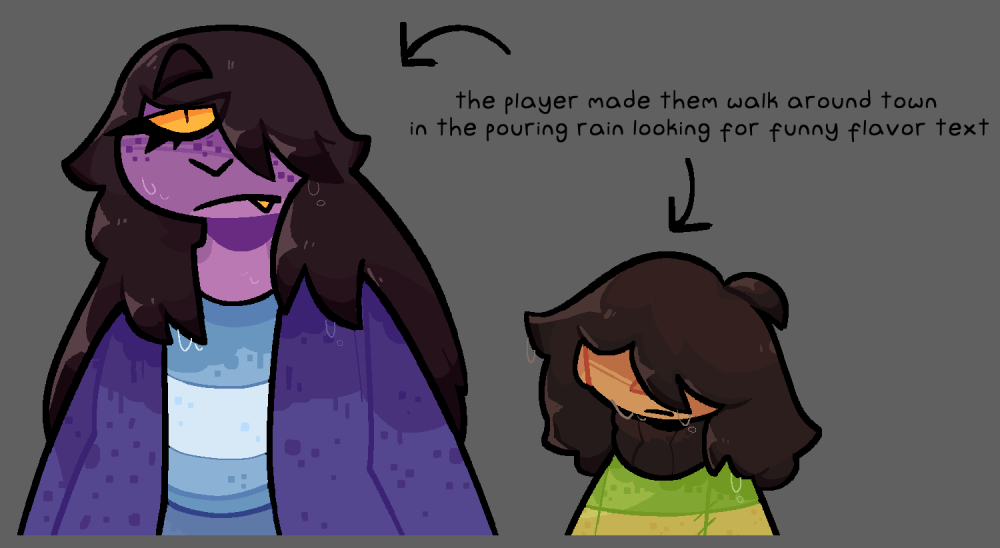
no it's ok!!!! we just found it kind of funny lol (at least i do. kris and cookie are in deep despair i think)
-
i dont think she does... birb please elaborate
-
gfsdgdgsefgrds.txtno context